Best Podcast App: 11 Picks for Every Kind of Listener
From power listeners to casual scrollers, there's a podcast app built for how you actually listen.
Last updated: Oct 30, 2026
Read time: 9 min

By Nibble Team
Nibble's Editorial Team
Our editorial team loves exploring how things work and why. We’re guided by the idea that people stay curious throughout their lives — they just need engaging stories and ideas to reignite that curiosity.
Most people never think twice about their podcast app. They just use whatever came installed on their phone and stick with it for years.
But the best podcast app for you might not be the one you already have. According to Edison Research's Infinite Dial 2026, a record-high share of Americans now listen to podcasts every month, which is exactly why the app you pick matters as much as the shows you choose.
This list covers options for Android users and iOS users alike, free version basics and premium version extras, and tools built for power listeners juggling a packed podcast library. How people listen to podcasts has changed as mobile data and offline options improved, and that shift shapes what you reach for on a commute or lunch break.
That same question applies to the quiet stretches when you'd rather mix in a short lesson than queue up another episode.
If that sounds like you, you can try Nibble and see how it fits into that same pocket of time.
Quick summary: What makes a podcast app the best fit for you
A podcast app is the software you use to find, download, and listen to podcast episodes, and the right one depends on your device, your habits, and how much control you want.
- The best podcast app depends on your device, discovery needs, and audio controls.
- Apple Podcasts is widely reported as the most-downloaded podcast app, accounting for 70.8% of all podcast downloads; Spotify is commonly cited as holding roughly a third of the US podcast listener market.
- Pocket Casts and Overcast both offer sync, Smart Speed, and curated recommendations.
- Podcast Addict is a top free pick for Android phone users, with over 10 million downloads.
- Most apps offer a free version; a premium version usually adds more features.
Keep reading for the full breakdown of all 11 picks, plus a comparison table to help you decide.
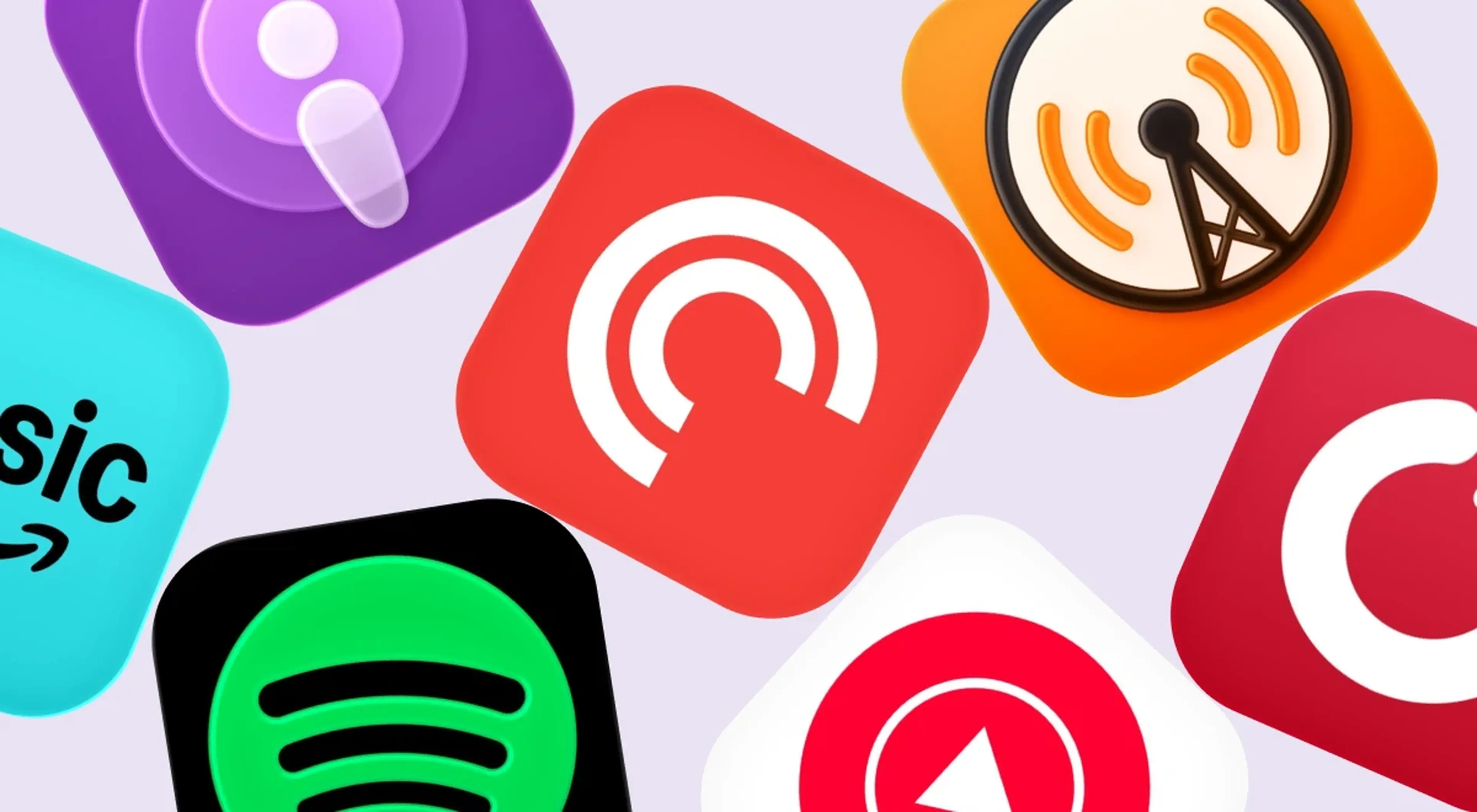
1. Apple Podcasts
Apple Podcasts is the default podcast app on every iPhone, which makes it the automatic pick for most iOS users who never bother switching apps.
It accounts for 70.8% of all podcast downloads, by far the largest share of any app on this list. It handles automatic downloads for shows you subscribe to, builds a simple listening queue, and syncs across Apple devices through iCloud.
Its discovery tools feel a bit limited next to rivals, and its charts lean toward already-popular shows. Still, it's completely free, offers exclusive podcasts from select creators, and asks nothing of you beyond opening the app you already have.
2. Spotify
Spotify built its name on music, but it holds roughly a third of the US podcast listener market, putting podcast episodes right next to your playlists in one app. It carries exclusive content deals with some big-name shows, which keeps certain listeners locked in.
The free version comes with ads between episodes, while a premium version strips those out and adds offline listening. Audio quality is solid, if not tuned specifically for podcasts the way some dedicated apps are. It's a smart option for cross-platform listeners who already use Spotify daily and would rather not manage a separate podcast player.
If you want to build out a smarter rotation of shows, educational podcasts pair well with an app like this.
3. Pocket Casts
Pocket Casts syncs subscriptions across devices seamlessly, so you can start an episode on your phone and pick it up right where you left off on a web app or tablet. It's known for hand-curated podcast recommendations and genuinely useful discovery tools, which help when your library starts feeling unmanageable.
You can create playlists, use it on an Android phone or iPhone, and it offers an Apple Watch app for on-wrist listening. Power listeners tend to gravitate here for the polish and the advanced features tucked into its settings. A free version covers the basics, with extras like themes and folders behind the premium tier.
4. Overcast
Overcast lets iOS users fine-tune playback in ways most apps don't bother with. Its Smart Speed feature automatically removes silences, shaving dead air out of every episode without you touching a thing. Add Voice Boost, which levels out quiet voices and loud music, and you get noticeably better audio quality on shows with uneven production.
It includes a sleep timer, per-podcast playback settings, and simple playlist management. It's iOS-only and free with ads, with an optional Premium unlock that removes ads and adds customization. A favorite for anyone who cares more about sound quality than extra features.
5. Podcast Addict
Podcast Addict has over 10 million downloads on Android, making it one of the most established podcast listening apps built specifically for that platform. It packs in auto-download settings, a sleep timer, cloud storage backup, and support for RSS feeds alongside standard podcast episodes and other audio files outside the usual directory.
It's powerful, but that power comes with a steeper learning curve than simpler apps offer. New users can feel overwhelmed by the sheer number of settings and menus on first open. Still, for Android users who want deep customization and don't mind a denser interface, it delivers more control than almost anything else on this list.
6. Google Podcasts (discontinued) and its replacement
If you're still searching for "Google Podcasts," here's the update: Google discontinued Google Podcasts and migrated its features into YouTube Music over the past few years. Subscriptions, saved shows, and listening history for many users migrated automatically during the transition.
If you haven't opened a podcast app in a while and expected the old one to still be there, this is why it's gone. The new app handles the same basic job, though the shift surprised plenty of longtime Android phone users who hadn't kept up with the change.
7. YouTube Music
YouTube Music is now Google's main podcast home on Android, bundling music streaming with a steadily growing podcast library. It suits people who already pay for YouTube Premium, since it adds background play and keeps everything in one app instead of juggling multiple devices or subscriptions.
Many podcasts that used to live in the old Google app migrated here, so your subscriptions likely followed you. Discovery tools are improving but still trail dedicated podcast player apps in surfacing new content. A reasonable choice if you already live inside the YouTube ecosystem and don't want another app taking up space.
8. Amazon Music
Amazon Music includes a podcast tab with every Prime membership, making it free for anyone already paying for Prime. Its catalog overlaps with exclusive podcasts tied to Amazon and Wondery deals, and Prime subscribers also get other perks like ad-free music alongside the podcast tab.
Offline listening works fine for Prime members, letting you download episodes before a flight or a commute out of signal range. Discovery tools here lean more toward what Amazon already promotes than toward a broad search for new shows. A sensible pick if Prime is already part of your bill.
9. Player FM
Player FM is a cross-platform app, available on Android, iOS, and as a web app, built around smart playlists and recommendations tuned to personal preference. It's less of a household name than Apple Podcasts or Spotify, but cross-platform listeners who want a podcast library accessible from multiple devices without leaning on Apple or Google tend to appreciate it.
Offline listening is solid, and the free version is generous enough for casual use. Upgrading unlocks cloud storage and better sync between devices, which matters if you regularly switch between a phone, tablet, and desktop browser.
10. Castro
Castro, built for iOS users, turns your listening queue into something closer to an inbox: new podcast episodes land there for you to triage, archive, or play, rather than auto-playing in an endless feed. It includes a timer for drifting off and silence-trimming similar to Smart Speed, aimed at listeners who want more control than a passive autoplay list gives them.
Going without a subscription limits some of that inbox-style organizing, while paying unlocks the full system. It's a smaller app, but one with a loyal following among people who like treating their queue the way they'd treat an email inbox.
11. Nibble (for listening habit alongside podcasts)
Nibble isn't a podcast app, but it fills the same kind of moment: a commute, a lunch break, a quiet stretch where you'd otherwise reach for your favorite podcast player. It offers short audio episodes, each about 10 minutes long, alongside text, video, games, and chats with historical figures across more than 35 topics.
Instead of replacing many podcast apps you already use, it gives you another option when you want something shorter or more interactive than new episodes from most podcast listening apps — a lighter swap for one episode here and there.
🎧 Pick one new app from this list and queue up a show before your next commute, or swap one session for a short Nibble lesson instead. Try Nibble today.
How to choose the best podcast app for your habits
The best podcast app varies based on personal listening habits and device usage; there's no single universal winner here, and a quick look at the most popular downloaded apps shows how much that choice splits by device.
Podcast listeners choosing apps weigh device compatibility and personal preference heavily, which is why an iPhone owner and an Android phone owner often land on different favorites.
Power listeners tend to prioritize features like silence trimming and volume enhancement when selecting apps, the kind of advanced features Voice Boost and Smart Speed provide, over a bigger podcast library or flashier design.
If you're weighing free against paid, most apps offer a solid free version to start, with the paid tier adding more features like offline storage, better stats, or an ad-free listening experience.
A cluttered interface can hurt a user's experience even when the feature set is strong, so don't overlook how an app feels to navigate once you settle into a podcasting routine that fits your day.
A star button to bookmark favorites, custom playlists, and a reliable sleep timer show up across nearly every app on this list, so don't let small feature differences overwhelm the decision.
| App | Platform | Free Version | Standout Feature | Best For |
|---|---|---|---|---|
| Apple Podcasts | iOS, web | Yes | Automatic downloads | iPhone users who want simplicity |
| Spotify | iOS, Android, web | Yes (ads) | Music + podcasts in one app | Multi-device users |
| Pocket Casts | iOS, Android, web | Yes | Hand-curated recommendations | Power listeners, multi-device sync |
| Overcast | iOS only | Yes (ads) | Smart Speed silence removal | iOS users who want audio control |
| Podcast Addict | Android only | Yes | Deep customization | Android users wanting advanced features |
A packed podcast library can start to feel like one more thing to manage, and if that's the case, other apps worth trying on Android might offer a lighter alternative.
🎧 Try comparing just two apps side by side this week instead of all eleven at once. See how Nibble works.
Got ten minutes between episodes
Nibble turns that gap into a quick, interactive lesson
Why people stick with new listening habits
People who already build their day around podcasts tend to be the same people who notice when a short lesson fits just as neatly into a spare ten minutes.
Angela studied history for her degree and still found Nibble turning up details she'd never covered in class, a surprise she unpacks in Angela's user story.
Fredys Caballero once reached for a podcast queue to fill 10-minute gaps between tasks, but swapped that routine for short Art lessons, and now says he notices composition and color on his daily walk that he never clocked before. The change is laid out in Fredys Caballero's user story.
Sarah Widmer tried juggling several podcast feeds alongside other apps before narrowing down to one that reliably surprised her with specific facts worth mentioning over dinner. She walks through that narrowing-down process in Sarah Widmer's user story.
Shae swapped her evening podcast queue for a single short lesson and found it gave her wind-down time more shape than another episode did. She lays it out in Shae's user story.
Make room for Nibble between podcast episodes!
Picking the best podcast app solves one problem: what to listen to next. It doesn't solve the second one, which is that even power listeners with a full podcast library sometimes want something shorter, visual, or interactive instead of another 45-minute episode.
Nibble covers that gap with five formats: text, video, audio, games, and chats with historical figures, built for the same small windows of time a podcast fills.
It's downloaded by millions of users and built for people who want variety beyond one long-form app, and its personalized recommendations, daily streaks, and bite-sized lessons turn spare phone moments into something that feels a little lighter than screen time usually does.
If you want a deeper dive into tools built specifically for Android, our next article on the subject covers more ground.
🎧 Next time an episode wraps, and you're not ready for another 45 minutes, download the Nibble app for a quick five-minute lesson instead.

FAQs about the best podcast app
What is the best podcast app for iPhone?
For iOS users, Apple Podcasts and Overcast are the top picks. Apple Podcasts comes preinstalled on all Apple devices and handles the basics without any setup. Overcast adds Smart Speed and Voice Boost for listeners who care about audio quality and want more control over playback than the default app offers.
Is there a completely free podcast app with no ads?
Most free versions include some ads, though a few are ad-light. Podcast Addict's free tier is fairly generous on Android, and Apple Podcasts carries no ads at all on Apple devices, free of charge. Upgrading on apps like Spotify or Overcast typically removes any remaining ads for a small monthly cost.
What happened to Google Podcasts?
Google discontinued Google Podcasts and migrated most of its features, including subscriptions and listening history, into YouTube Music over the past few years. Many people on Android didn't notice the shift happen gradually and were surprised to find their old app gone. YouTube Music will now serve as Google's main podcast home.
What podcast app do most people use?
Apple Podcasts accounts for 70.8% of overall downloads, the single most-used app by a wide margin, largely because it's preinstalled on every iPhone and needs no setup. Spotify is generally considered the second-most-used podcast app, with surveys putting its US listener share at around a third, though this varies by source.
Do I need a paid plan to listen to podcasts offline?
No. Offline listening is a standard feature across most of these apps, including Pocket Casts, Overcast, and Podcast Addict, even on their free tiers. Auto-download settings let new episodes save to your phone before you even open the app, which helps on flights, subways, or anywhere without reliable signal. Paying mostly adds extras like storage or sync, not offline access itself.
How long does it take to learn a new podcast app after switching?
Most apps have a short learning curve since core actions like subscribing, playing, and queuing work the same way everywhere. Simpler apps like Apple Podcasts need almost no adjustment. Denser apps like Podcast Addict take a bit longer because of their deeper settings menus, but most people feel comfortable navigating a new app's library and listening queue within a few days.
Which podcast app has the best discovery and recommendation features?
Pocket Casts stands out here thanks to its hand-curated podcast recommendations and genre- and mood-based lists. Spotify's algorithm-driven suggestions come close for existing music users, but Pocket Casts remains the go-to pick for listeners hunting their next favorite podcast.
Published: Oct 30, 2026

Keep your curiosity sparked with the app
Join 10M+ people and discover bite-sized ideas from general and academic knowledge

